Google Business Profile
How to Add and Verify Your Google Business Profile
Add and verify your Google Business Profile, step by step, for free.
Most local searches start on Google. This video shows how to search for your business first, claim or create the profile, choose your real name and main category, set a location or service area, and pass video verification with one unedited phone clip.
The 5 steps
- Go to business.google.com/add and search your business first.
- Already on Maps? Claim it. Not there? Create it.
- Your real business name and your main category.
- Add your location or your service area if you go to customers.
- Verify. For video, one unedited clip, at least 30 seconds, from your phone.
Go deeper: How to rank in the Google map pack: a practical local SEO guide
Questions this video answers
How do I add my business to Google?
Go to business.google.com/add, search for your business, then claim it or create it with your real name and main category.
How do I verify my Google Business Profile?
Follow Google's verification steps. For video verification, record one unedited clip of at least 30 seconds on your phone.
Can I use a service area instead of an address?
Yes. If you travel to customers, add a service area instead of a storefront address.
Full video transcript
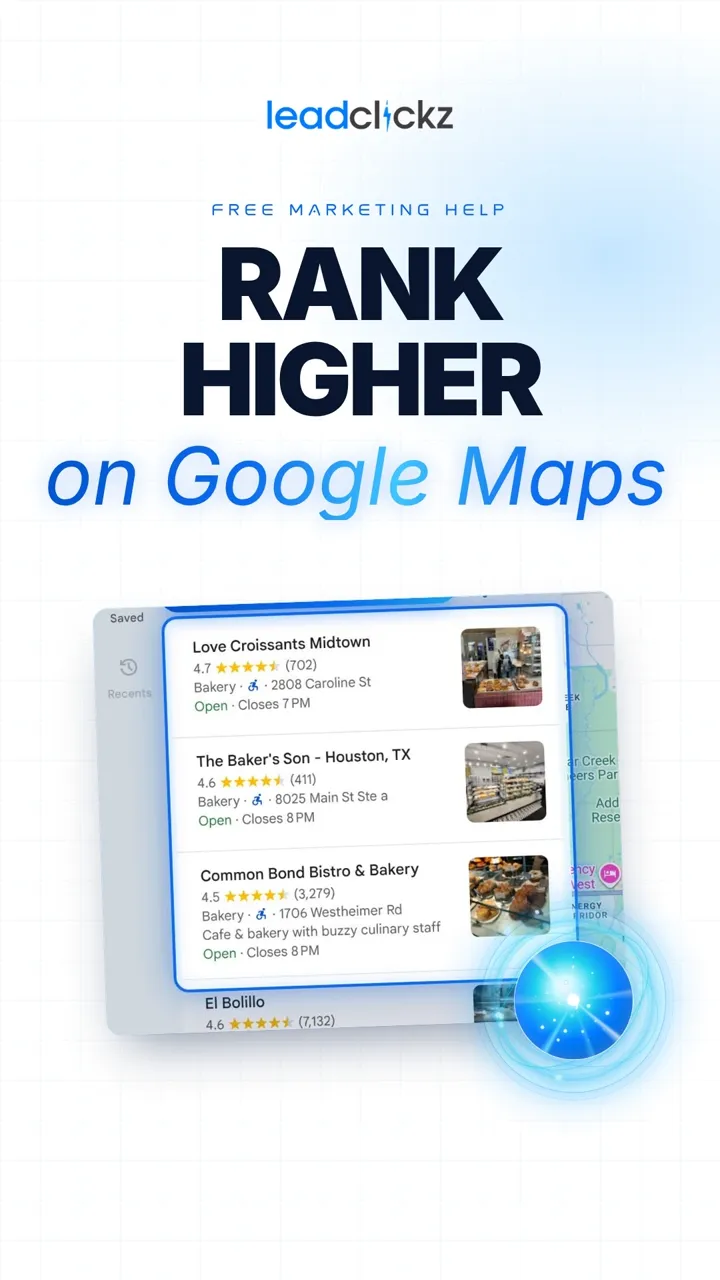
Over half of customers start their local search on Google. If you're not on Google Maps, they can't find you. Here's how to add and verify your Business Profile, free.
We went to business.google.com/add, live. And these are Google's own steps!
Step one: search your business name first. If it's already on Maps, claim it, instead of making a second one. If it's not there, click Create a business with this name.
Step two: enter your real business name, exactly how customers know it. Then pick your main category. Type a word, and choose the closest match.
Step three: add your location, or the areas you serve. No storefront? Choose service area, and keep your home address off.
Step four: verify. Google picks your options, like phone, text, email, or video. For video, record one unedited clip, at least thirty seconds, straight from your phone. Show your sign or work vehicle, your tools, and proof that you run the business.
Review can take up to five business days. Then you're live on Search and Maps.
So: search your business first. Claim it, or create it. Real name, best category. Add your location or service area. And verify by phone, email or video. That's the breakdown! Get trusted. Get chosen. Get the call. Close the deal!
One: go to business.google.com/add, and search your business first. Two: already on Maps? Claim it. Not there? Create it. Three: your real business name, and your main category. Four: add your location, or your service area if you go to customers. Five: verify. For video, one unedited clip, at least thirty seconds, from your phone.