Facebook Ads
Boost Post vs Facebook Ads: Which Is Better?
Boost a post or run a real Facebook ad? Here's the difference.
A boost and an Ads Manager campaign aren't the same thing. This video explains what a boost does, what Ads Manager adds with campaigns and real targeting, which posts are worth boosting, when to use Ads Manager for leads you can measure, and why the Meta Pixel comes first.
The 5 steps
- A boost is quick and simple, right from a post.
- Ads Manager gives you campaigns and real targeting.
- Boost posts that are already doing well.
- For leads you can measure, use Ads Manager.
- Make sure your Meta Pixel is active first.
Go deeper: Social media advertising for local businesses: Meta, TikTok and beyond
Questions this video answers
What is the difference between boosting a post and a Facebook ad?
A boost is a quick promotion of one post. Ads Manager gives you full campaigns and real targeting.
When should I boost a post?
Boost posts that are already doing well.
Do I need the Meta Pixel to run ads?
For leads you can measure, make sure your Meta Pixel is active first.
Full video transcript
Should you just hit Boost on a Facebook post, or run a real ad? They're not the same thing. Here's the difference, step by step.
These are Meta's ad tools. Nothing here was published.
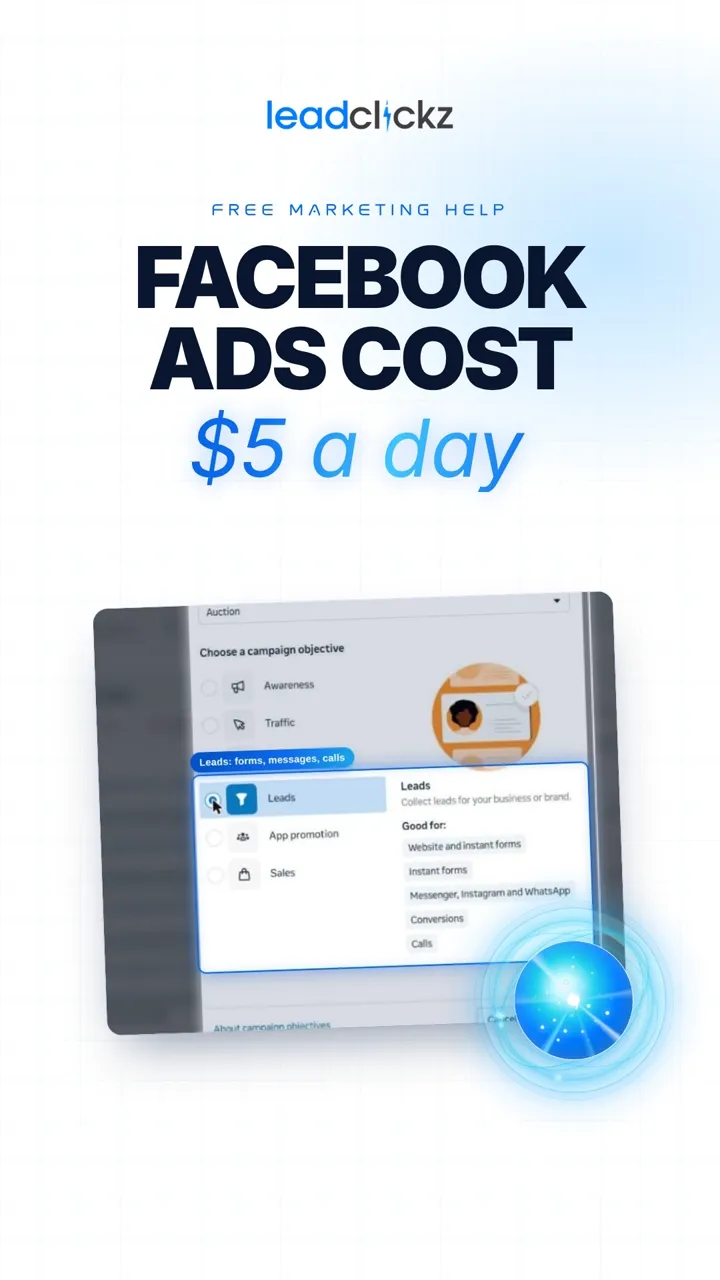
Meta lays it out itself. Ads in Business Suite is quick and simple. Boost a post, pick an easy audience, done. Ads Manager is the detailed one. Campaigns, advanced targeting, and tracking what people do on your website.
Here's a boost. Pick a post, and Meta suggests a goal. For us, Get more calls, with a Call now button and our number.
Then pick an audience, a start date, and a daily budget. It's fast. That's the point.
But first, check that your Meta Pixel is active, so you can track what happens on your website. And keep posting, so you have something worth boosting.
Our rule: boost a post that's already doing well, to get it seen. For leads you can measure, use Ads Manager, with a working pixel.
Pro tip one: if you want customers, don't boost for engagement. Pick a goal like calls or messages. Pro tip two: boost posts that already get likes and comments. Paid reach works best on proven content. Pro tip three: for lead forms in Ads Manager, choose Higher intent. It adds a review step and cuts junk leads.
So: boost is quick and simple. Ads Manager is detailed. Boost posts that already work. Use Ads Manager for leads. Fix your pixel first. That's the breakdown! Get trusted. Get chosen. Get the call. Close the deal!
One: a boost is quick and simple, right from a post. Two: Ads Manager gives you campaigns and real targeting. Three: boost posts that are already doing well. Four: for leads you can measure, use Ads Manager. Five: make sure your Meta Pixel is active first.