QR codes
How to Use QR Codes to Get More Customers and Reviews
QR codes that bring customers back, starting with the free one in your Google profile.
A QR code only works if it sends people somewhere useful. This video shows how to get the free review QR code from your Google profile, where to put it, how to give people a reason to scan, and why to test it before you print.
The 5 steps
- Search your business on Google and click Ask for Reviews.
- Save your review QR code.
- Put it on counter cards and invoices.
- Give a reason to scan, like get a free quote.
- Test it with your phone before you print.
Go deeper: Reputation Management
Questions this video answers
How do I get a QR code for Google reviews?
Search your business on Google, click Ask for Reviews, and save the review QR code.
Where should I put a QR code?
On counter cards and invoices, wherever customers are right after a good experience.
How do I get people to scan a QR code?
Give them a reason, like getting a free quote, and test the code with your phone before printing.
Full video transcript
A QR code only works if it sends people somewhere useful. Here's how to make ones that bring customers back. And the best one is already free, inside your Google profile.
Here's where to find them, inside your Google Business Profile.
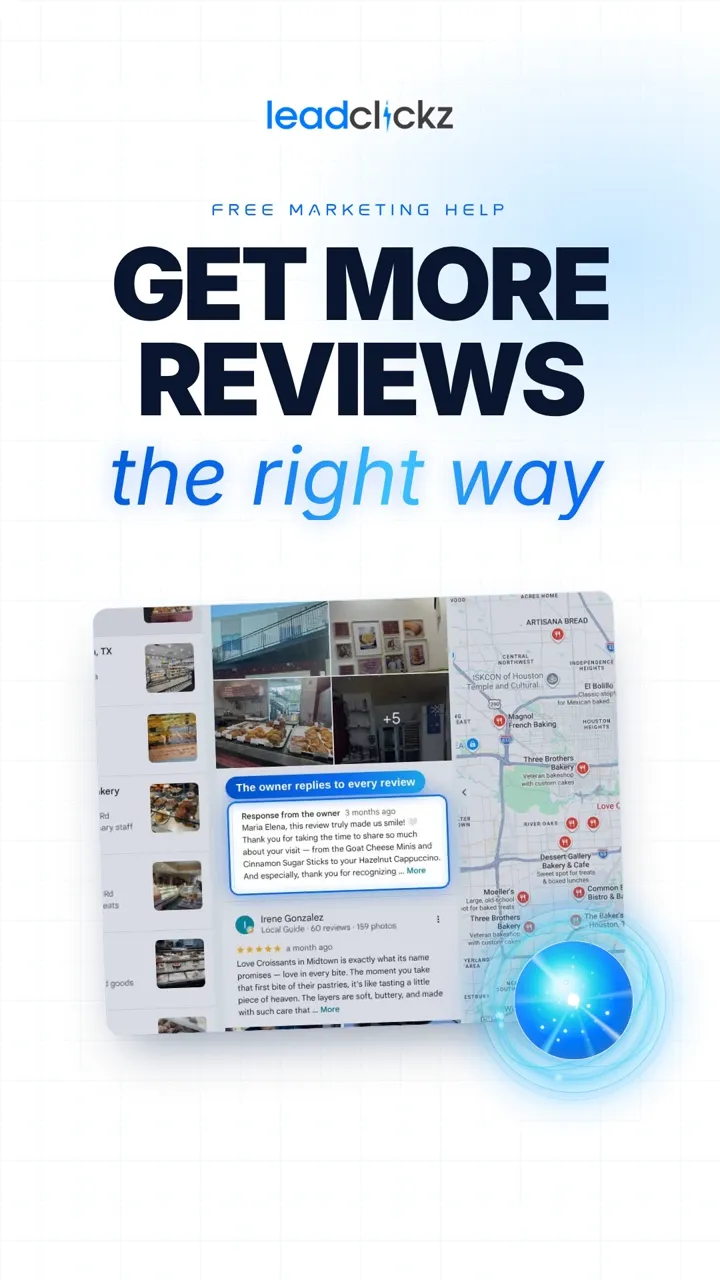
Step one: search your business name on Google while you're signed in. Click Ask for reviews.
Google gives you a review link, and a review QR code. Right-click the code, and save the image.
Step two: put it where happy customers wait. A counter card, an invoice, or the back of a receipt.
Step three: make a second code for your website or booking page. Give people a clear reason to scan, like get a free quote. And add your phone number for people who won't.
Then test every code with your phone camera before you print. And print it big enough to scan easily.
So: Ask for reviews. Save your review QR. Put it where customers wait. Give a reason to scan. Test before you print. That's the breakdown! Get trusted. Get chosen. Get the call. Close the deal!
One: search your business on Google, and click Ask for reviews. Two: save your review QR code. Three: put it on counter cards and invoices. Four: give a reason to scan, like get a free quote. Five: test it with your phone before you print.