
Reviews & Reputation
Online reviews and reputation management videos
How to get more Google reviews, answer bad ones and build the proof buyers check. Tap any video to watch full screen, then swipe to the next.
Want it done for you? Reputation Management →
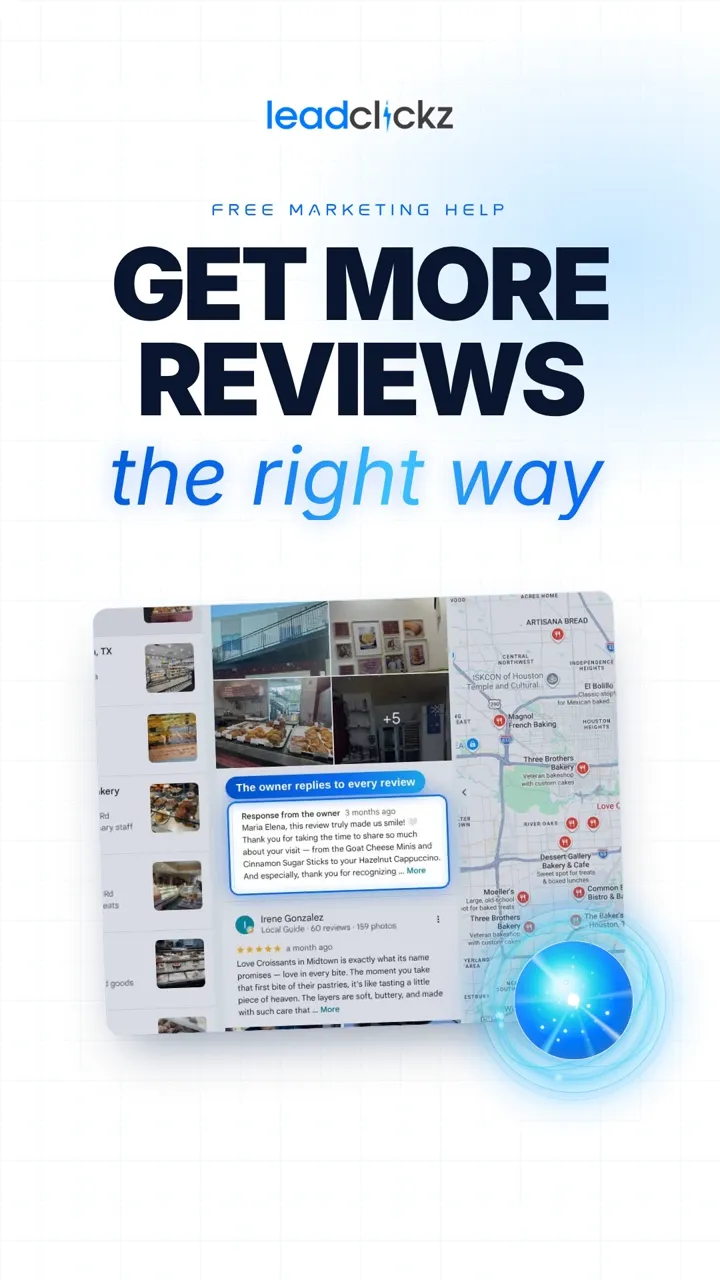
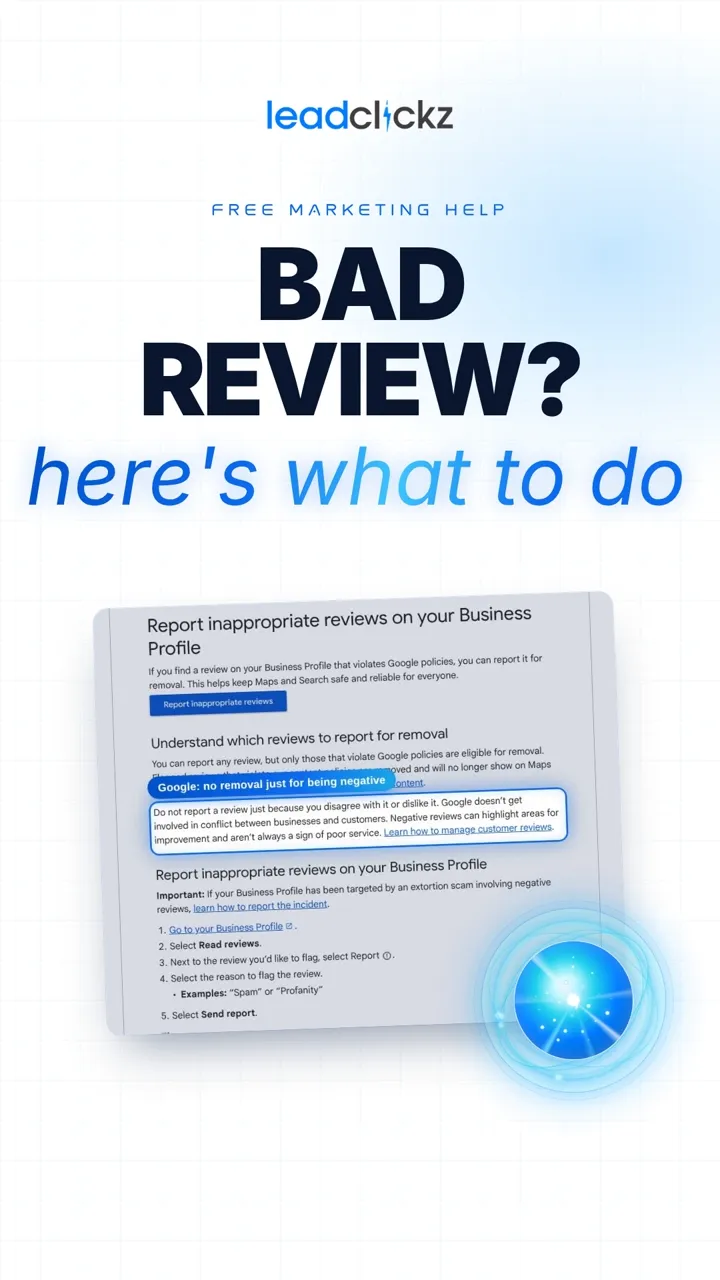
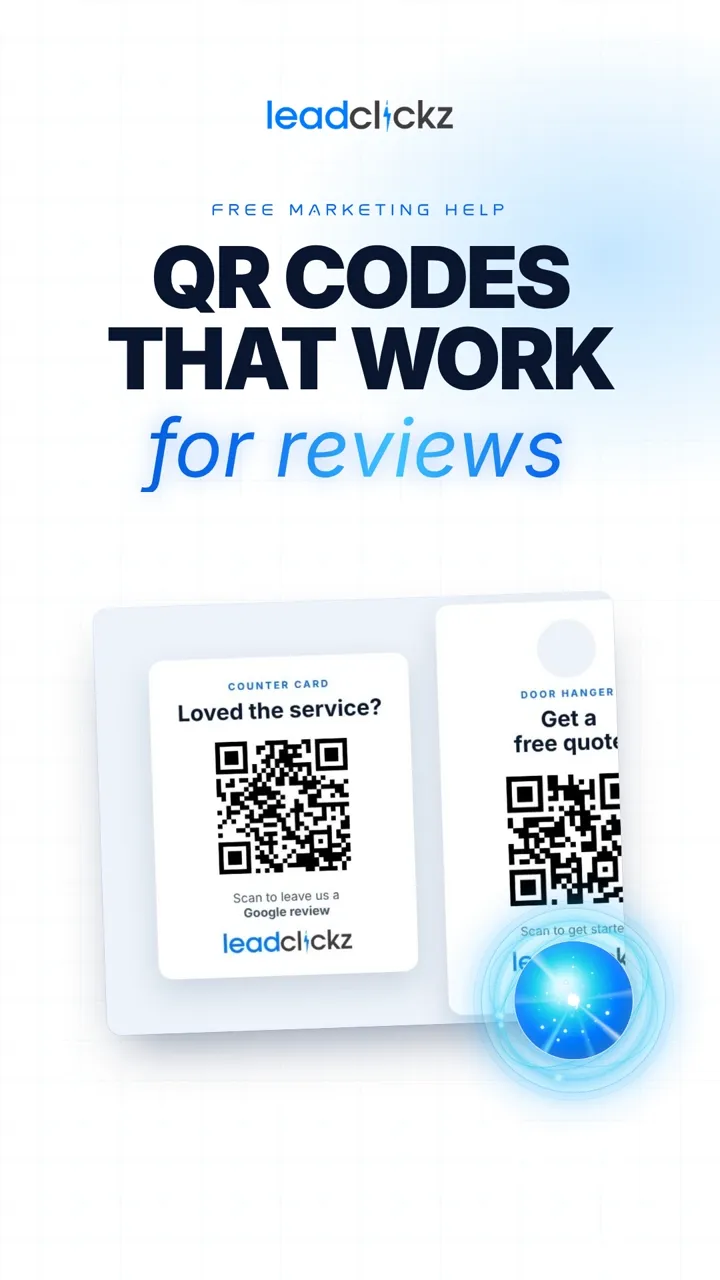
About these reviews & reputation videos
Reviews are often the last thing a buyer checks before calling, and Google weighs them when it decides which businesses to show on the map. These videos cover how to get more reviews the right way, without breaking Google's rules, how to answer a bad review calmly, and which reviews Google will actually remove.
You will also see how to put a free review QR code to work at the counter, on invoices and in follow-up texts, so asking for a review becomes part of every job instead of something you remember once a month.
Read the reputation management guide →
Common questions
How do I get more Google reviews?
Get your free review link from your Google Business Profile, ask every customer by text, email, receipt or QR code, and reply to every review. Google's rules say to ask everyone, not just happy customers, and never to pay or discount for reviews.
Can I get a bad Google review removed?
Only if it breaks Google's policies, such as spam, conflicts of interest or off-topic content. Report it from your profile; if Google declines, you get one appeal. Otherwise, reply calmly and keep fresh reviews coming.
Should I reply to every review?
Yes. Short, personal replies to good and bad reviews show buyers that a real person runs the business and cares about the outcome.
