
Social Media Marketing
Social media marketing videos
Facebook, Instagram, TikTok, LinkedIn and Pinterest for business: set up, post and grow. Tap any video to watch full screen, then swipe to the next.
Want it done for you? Social Media Management →
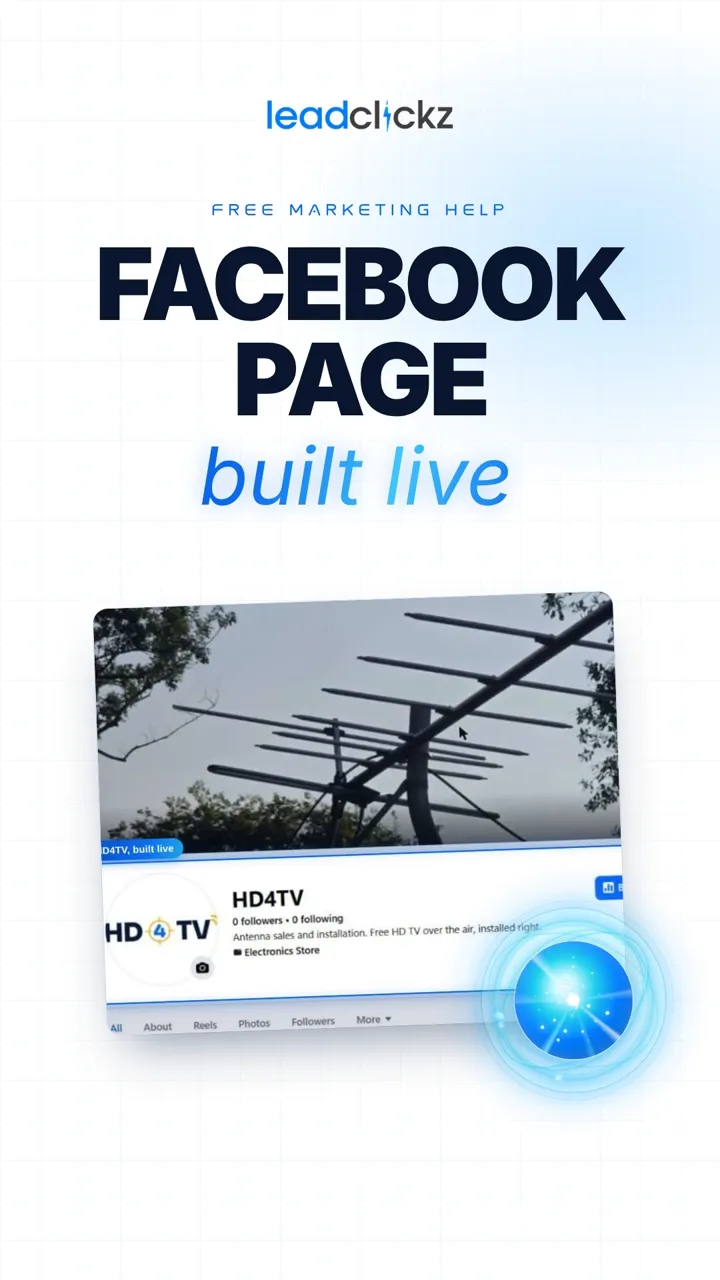
- 0:44FacebookHow to Create a Facebook Business Page
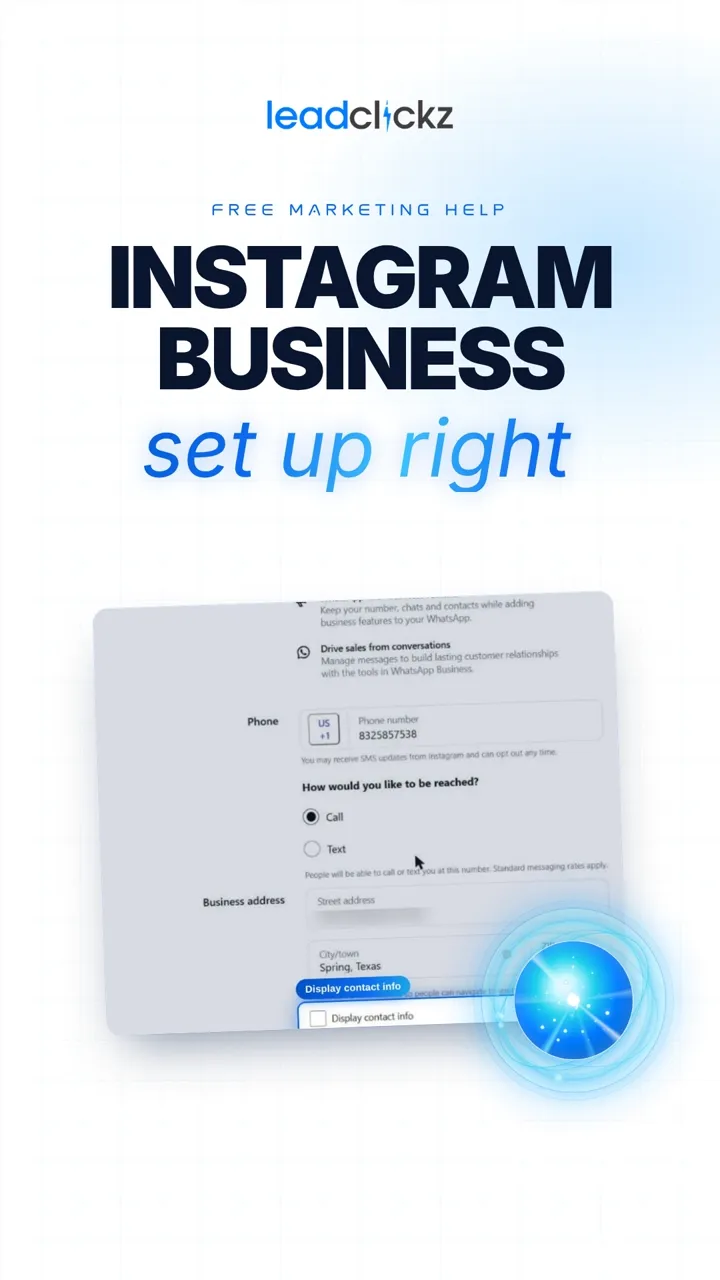
- 0:45InstagramHow to Set Up an Instagram Business Account
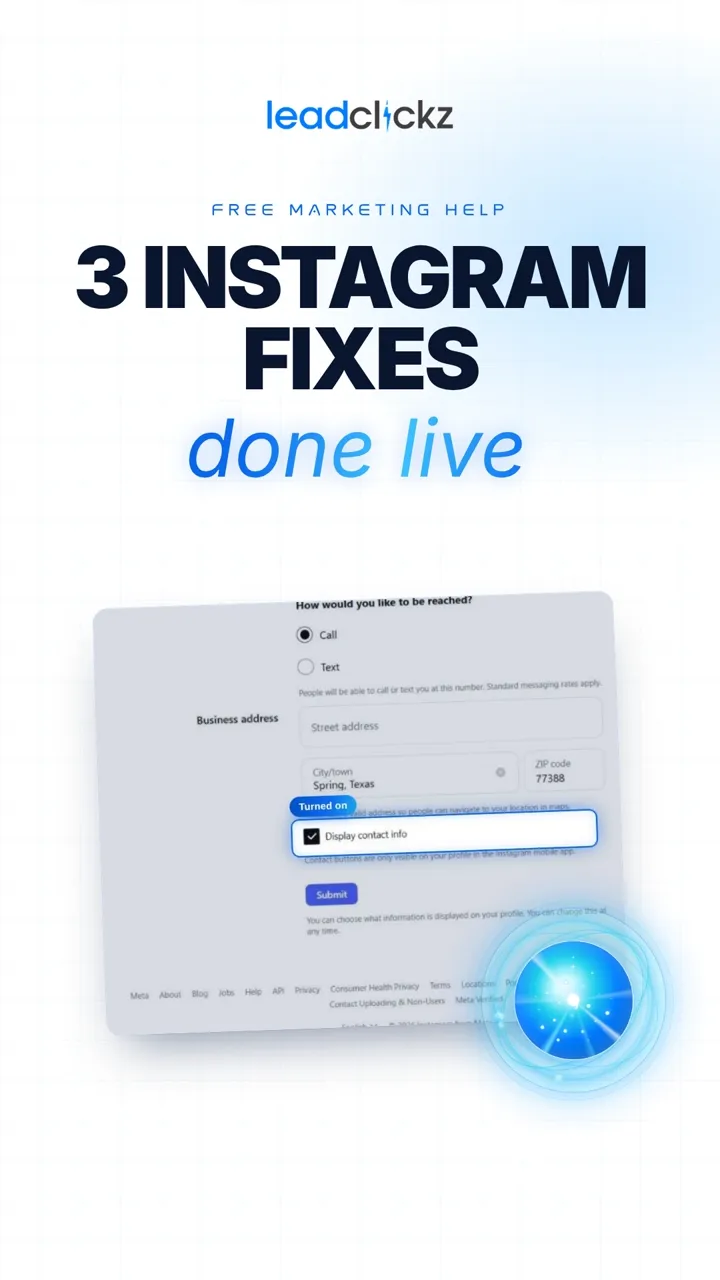
- 0:40InstagramBest Instagram Settings for a Business Account
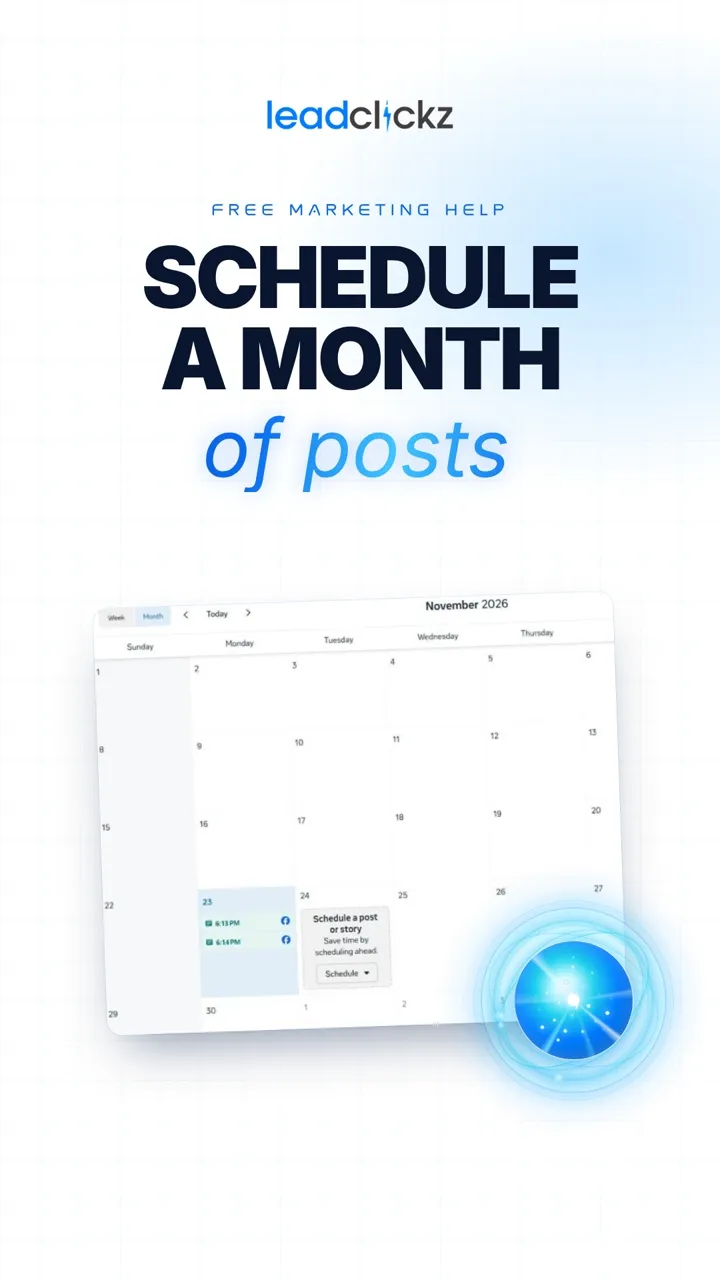
- 0:40Meta Business SuiteHow to Schedule a Month of Posts in Meta Business Suite
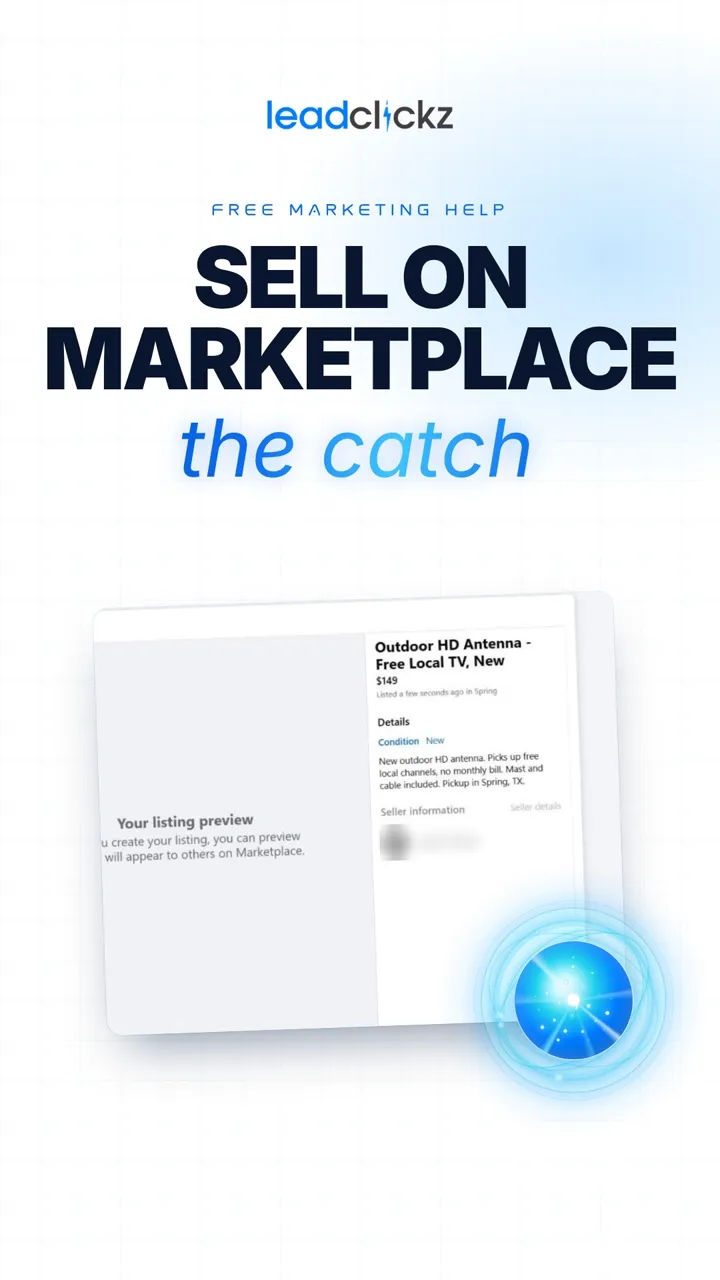
- 0:41Facebook MarketplaceHow to Sell on Facebook Marketplace as a Business
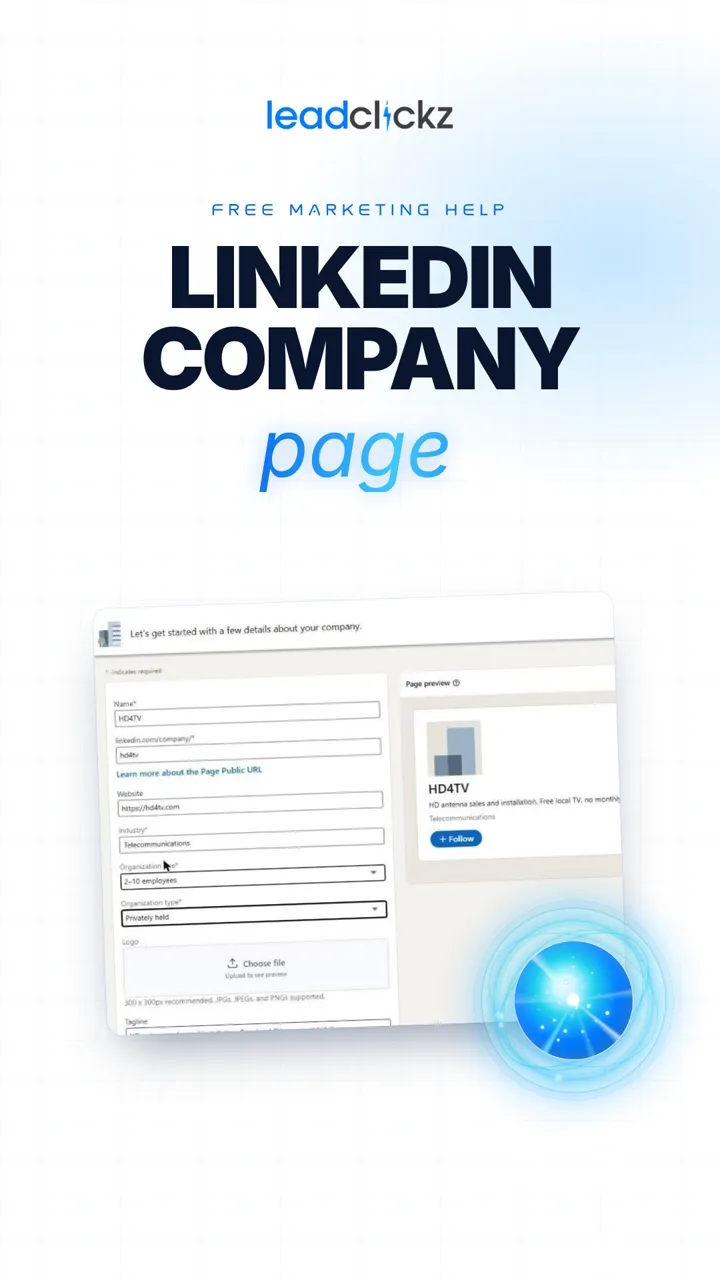
- 0:37LinkedInHow to Create a LinkedIn Company Page
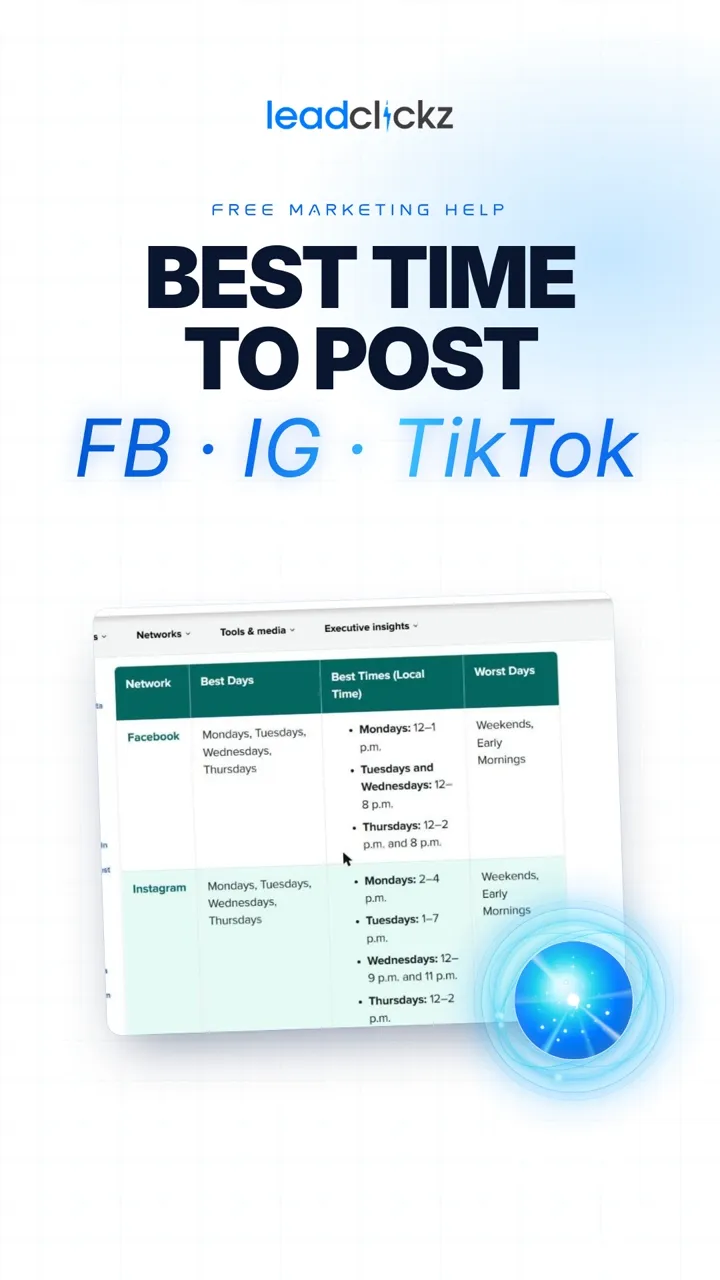
- 0:42Posting timesBest Time to Post on Facebook, Instagram and TikTok
- 0:38TikTok ShopHow to Sell on TikTok Shop
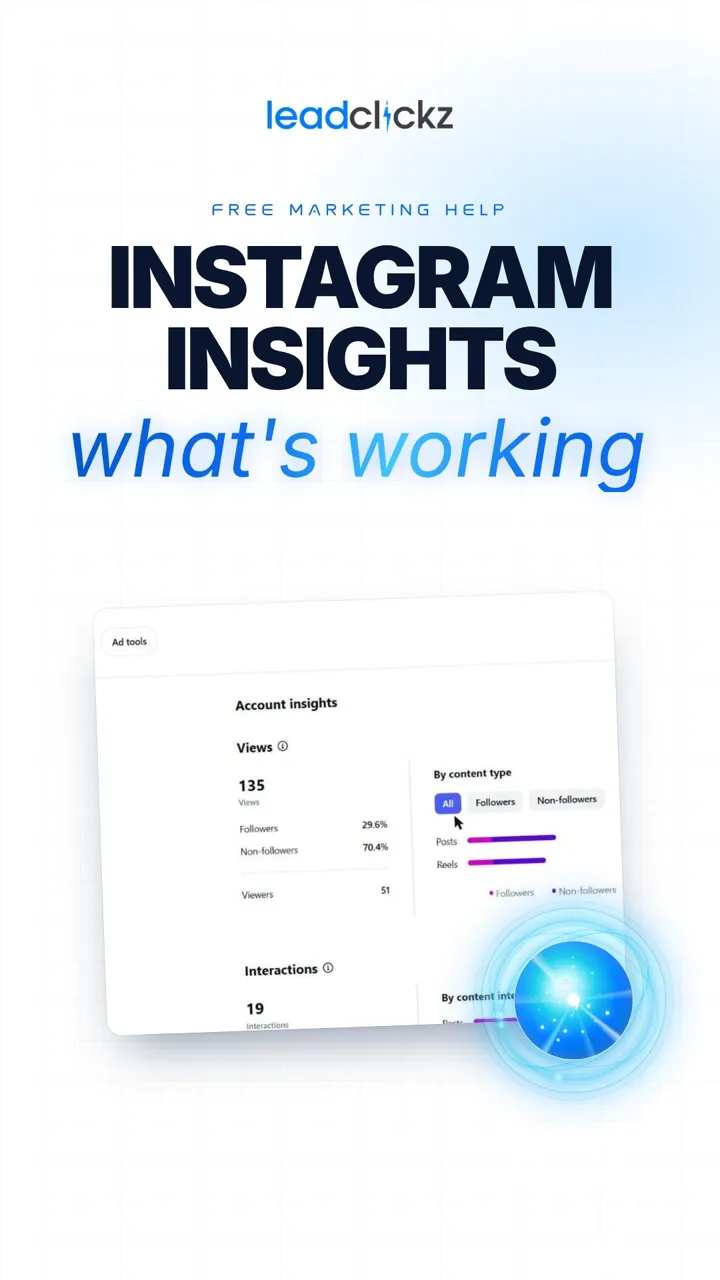
- 0:38InstagramHow to Read Your Instagram Insights
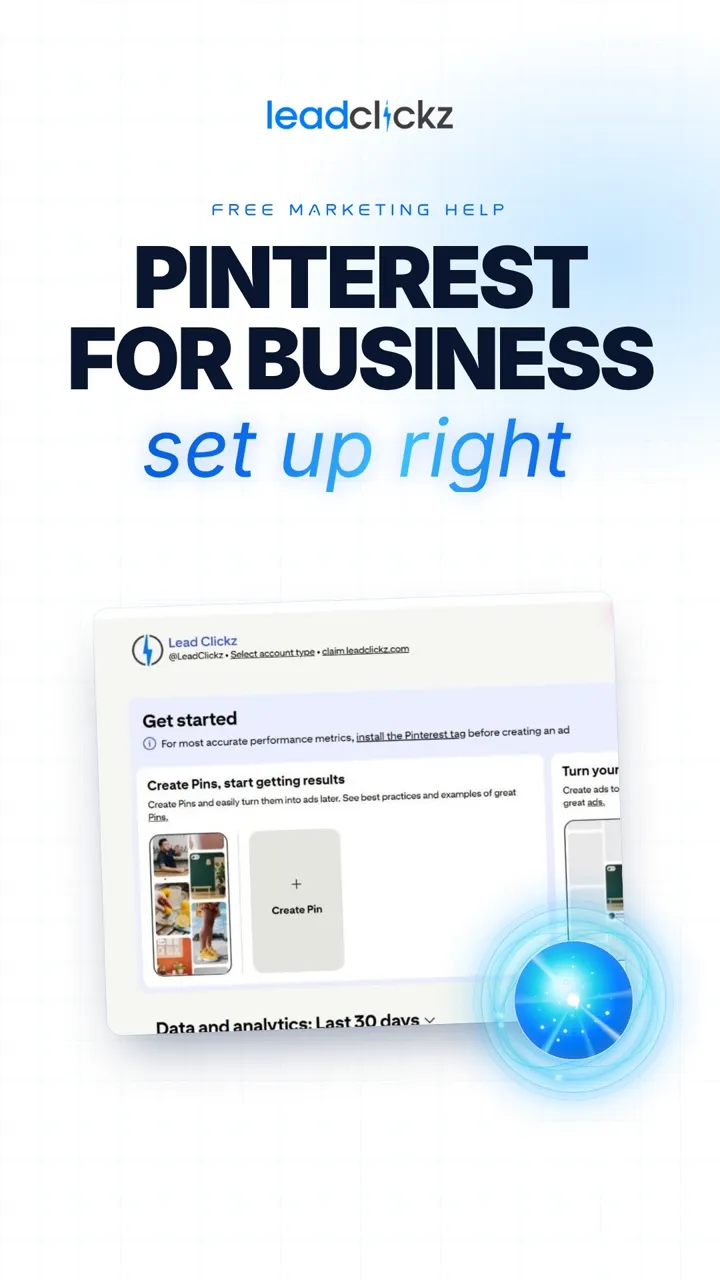
- 0:38PinterestHow to Set Up Pinterest for Business

About these social media marketing videos
Many customers check a business's Facebook, Instagram or TikTok before they ever call. These videos show how to set those profiles up correctly, from creating a real Facebook business page and switching Instagram to a business account, to the settings that hide your category and call buttons if you miss them.
From there you will learn how to schedule a month of posts in Meta Business Suite, read Instagram Insights, sell on Facebook Marketplace and TikTok Shop, open a LinkedIn company page, set up Pinterest for business, and post at the times your audience is actually online.
Common questions
Do I need a Facebook business page?
For most local businesses, yes. Many customers look for recommendations on Facebook, and a page with your real name, category, photos, phone and service area makes you easy to find and contact.
What is the best time to post on social media?
It depends on when your own followers are online. Start with your platform's insights, post consistently for a few weeks, then move your posts toward the times that get the most engagement.
Should a business use an Instagram professional account?
Yes. A professional account adds a category label, contact buttons and insights. Turn on Display contact info so the call and email buttons actually show.
