Best Instagram Settings for a Business Account
The Instagram settings that hide your category and call buttons.
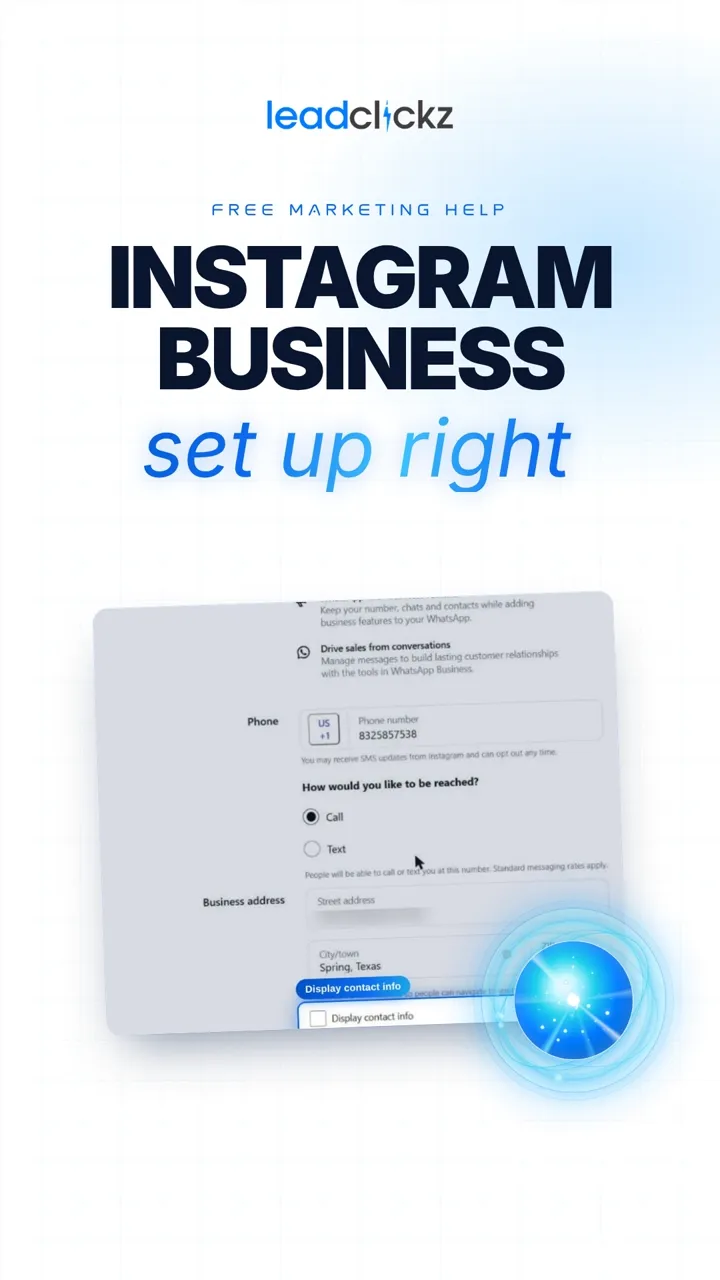
Customers want clear, complete information before they call. This video covers the Instagram professional settings that control your category label and contact buttons, and how home-based businesses can hide a street address while keeping their ZIP code.
The 5 steps
- Settings, then professional account.
- Check display category label so people see what you do.
- Turn on display contact info or your call buttons won't show.
- Work from home? Clear your street address. Keep your zip.
- Hit submit and check your profile.
Go deeper: Organic Social Management
Questions this video answers
What Instagram settings should a business change?
Show your category label, turn on Display Contact Info, and remove your street address if you work from home.
How do I show my category on Instagram?
In Settings, open your professional account and check Display Category Label.
Should I show my address on Instagram?
Only if customers visit you. If you work from home, clear the street address and keep your zip code.
Full video transcript
The top thing customers look for when choosing who to call is clear, complete info. Your Instagram might be hiding yours. Here are three settings to fix today.
Here's exactly where to find each setting in Instagram!
Fix one: go to Settings, then Professional account. Check Display category label, so people see what you do right under your name.
Fix two: turn on Display contact info. If it's off, your call and email buttons won't show in the app.
Fix three: if you work from home, clear your street address. Keep your ZIP code, and keep your house off your profile.
Then hit Submit. Now your profile shows what you do, and how to reach you.
So: Settings, then Professional account. Display category label. Display contact info. Clear a home street address. Submit, then check your profile. That's the breakdown! Get trusted. Get chosen. Get the call. Close the deal!
One: Settings, then Professional account. Two: check Display category label, so people see what you do. Three: turn on Display contact info, or your call buttons won't show. Four: work from home? Clear your street address, keep your ZIP. Five: hit Submit, and check your profile.